Build CV in minutes
Create a clean, modern resume with guided sections, polished templates, and a one-click PDF export.
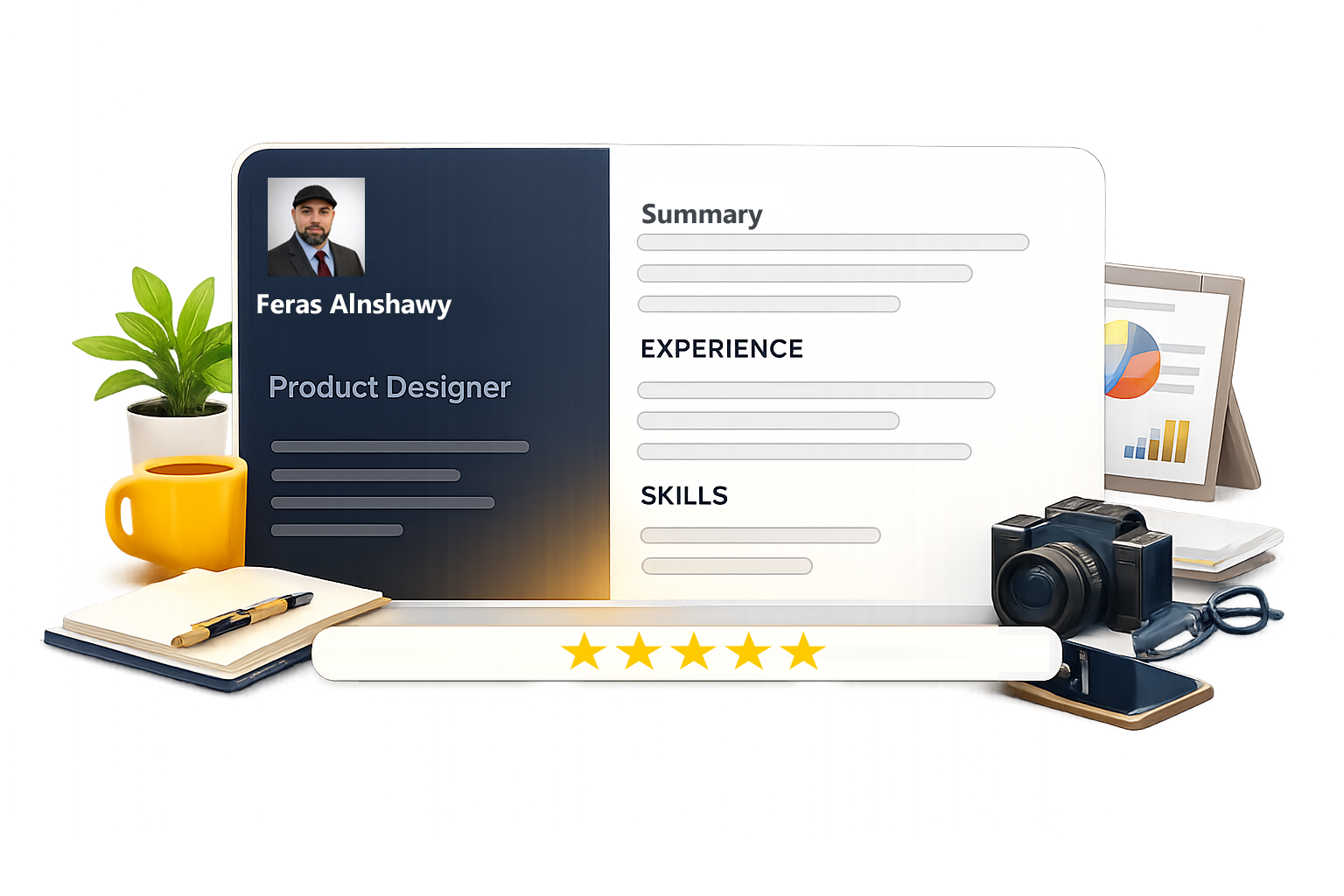
Everything you need to create a strong resume
Keep it simple: structure that scans well, content that reads well, and a design that looks premium.
Designed for clarity
Layouts that highlight what matters: experience, skills, and achievements, without noise.
One click, clean output
Download a crisp PDF that keeps spacing, typography, and sections aligned.
Guided, step-by-step
Fill in your details with a simple flow, easy to update anytime from your account.
How it works
Three simple steps to build a resume that’s ready to apply.
Choose a template
Pick a clean layout that fits your role and experience level.
Fill guided sections
Follow prompts and examples to write stronger bullets in minutes.
Export & share
Download a polished PDF and share a link when you need to.
ATS-friendly by design
We focus on what scans well: proper headings, clean spacing, and exports that keep alignment.
Resume score: 89/100
Your structure and headings look great. Add more measurable impact in experience bullets.
Features that help you write a better CV
Everything you need for a fast, focused workflow—without clutter.
Guided sections
Prompts for each section so you never wonder what to write.
Smart examples
Strong summaries and bullet patterns you can adapt quickly.
One-click PDF
Export a polished file that prints cleanly and aligns perfectly.
Privacy controls
Share a public link only when you want—keep drafts private.
Multi-language
Create resumes for local and global roles without friction.
Quick updates
Edit and export a new version anytime—fast and consistent.
Polished output that feels premium
Readable, structured, and consistent—so your content stays the focus.
“The layout is clean and the PDF export looks exactly like the preview.”
“Simple workflow. I finished a solid resume quickly without overthinking the design.”
“Great for tailoring different CV versions for different roles—fast edits, clean output.”
Frequently asked questions
Quick answers to common questions about building, editing, and exporting your resume.
Is the resume ATS-friendly?
Templates focus on clean structure and consistent formatting, making content easy to scan and parse.
Can I edit my resume later?
Yes. Your resume stays in your account so you can update sections and download an updated PDF anytime within your subscription period
How does PDF export work?
Use the export action to generate a clean PDF that preserves spacing, typography, and section order.
Do you offer multiple templates?
Yes. Browse the templates gallery and pick a style that matches your role and industry.
Can I share a public link?
You can optionally generate a share link. Privacy controls let you enable/disable sharing.